Classroom interactive whiteboard — installation, training, and 3-year warranty included
Horion M6A Pro V2 · 65–86″ · free demo at your school
We’ll call you back today after 09:00 We’ll call you back tomorrow after 09:00
- 3-year warranty
- 100+ installations
- Free installation and training
- Official KTC distributor (est. 1995)
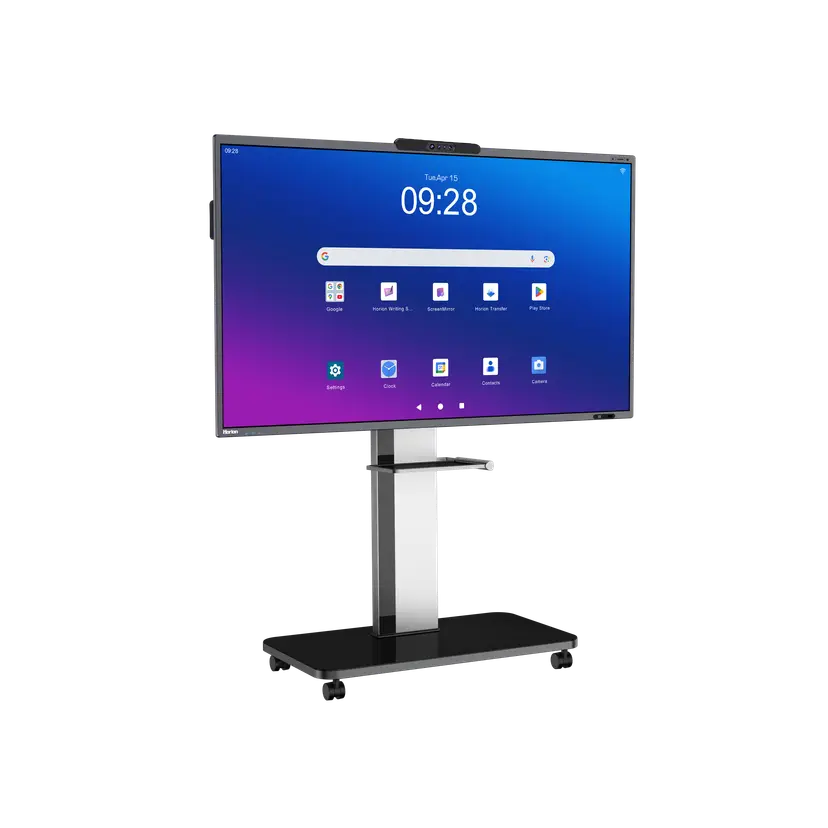
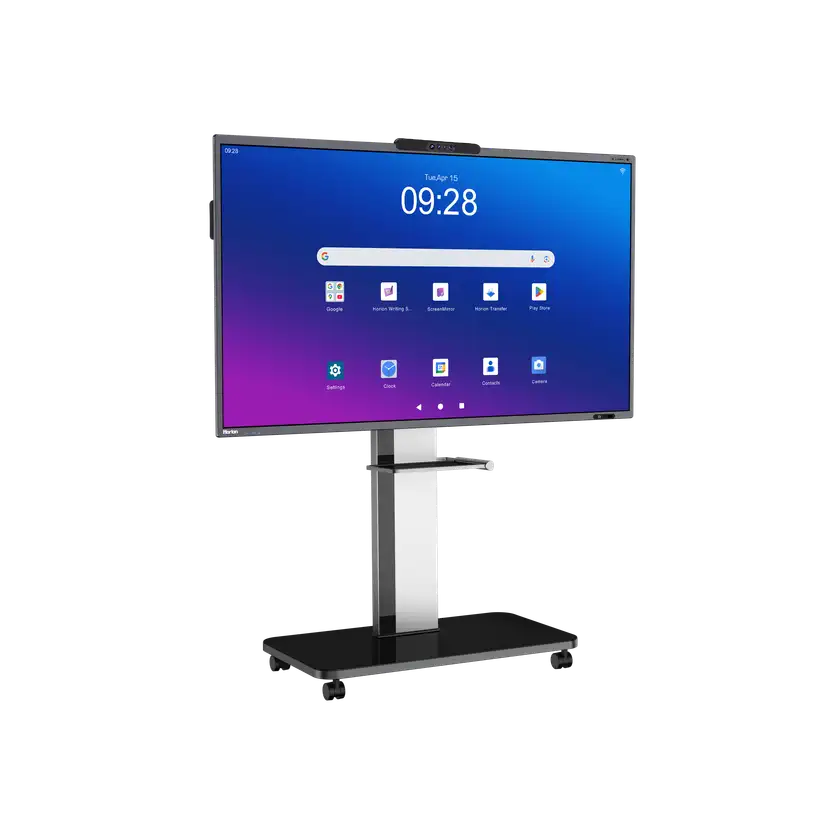
One bundle: display, stand, pen, installation, training, and a 3-year warranty
Choose a size to match your room and audience
- 48MP AI camera Auto-framing and noise reduction on video calls
- 8 microphones, 12 m Picks up the whole room — no separate microphone needed
- 40W + 20W audio Loud enough for a classroom or meeting room
- 9H glass, 50,000 hours Scratch-resistant glass and a long service life
- Android 14 EDLA, 16/256 GB Official Google Play access and enterprise apps
- Wi-Fi 6 + OPS slot Wireless connectivity plus a slot for a Windows module
- Android 13 EDLA Google-certified system
- 8/128 GB Plenty for presentations and video conferencing
- OPS slot Option to add a Windows module
- 85″ and 98″ For large halls and auditoriums
- 3-year warranty Backed by our in-house service center
For scale: a person ≈ 175 cm tall
M6A Pro V2
Our core model for classrooms and meeting rooms
Android 14 EDLA · 16/256 GB · Wi-Fi 6
- 48MP AI camera Auto-framing and noise reduction on video calls
- 8 microphones, 12 m Picks up the whole room — no separate microphone needed
- 40W + 20W audio Loud enough for a classroom or meeting room
- 9H glass, 50,000 hours Scratch-resistant glass and a long service life
- Android 14 EDLA, 16/256 GB Official Google Play access and enterprise apps
- Wi-Fi 6 + OPS slot Wireless connectivity plus a slot for a Windows module
M6A Pro
For large halls — on request
Android 13 EDLA · 8/128 GB · 85″ and 98″ lead times confirmed on request
- Android 13 EDLA Google-certified system
- 8/128 GB Plenty for presentations and video conferencing
- OPS slot Option to add a Windows module
- 85″ and 98″ For large halls and auditoriums
- 3-year warranty Backed by our in-house service center
Bundle pricing — on request
We’ll call within 15 minutes during business hours and send you a quote
What’s included:
- Interactive display
- Mobile stand
- Smart pen
- Installation
- Training
- 3-year warranty
Bought separately vs. as a bundle
| Separately | Bundle | |
|---|---|---|
| Mobile stand | extra cost | included |
| Smart pen | extra cost | included |
| Installation and setup | included | included |
| Staff training | included | included |
| 3-year warranty | included | included |
| In-house service center | included | included |
Technical specifications (V2 / Pro)
| M6A Pro V2 | M6A Pro | |
|---|---|---|
| Operating system | Android 14 EDLA | Android 13 EDLA |
| Memory (RAM / storage) | 16 / 256 GB | 8 / 128 GB |
| Camera | 48MP + 3×8MP AI | 48MP AI |
| Audio | 40W + 20W | 40W + 20W |
| Wireless connectivity | Wi-Fi 6 | Wi-Fi 6 |
| Glass hardness | 9H | — |
| Service life | 50 000 hours | 50 000 hours |
| Microphones | 8 mics · up to 12 m | 8 mics · up to 12 m |
| OPS slot (Windows module) | Yes | Yes |
Why not a projector?
Four simple reasons you’ll notice every day
-
Light
No need to close the blinds — the display stays clearly visible in daylight
-
Shadow
A person standing at the board doesn’t block the image
-
Writing
Write with a finger or pen with no lag; erase with your palm
-
Running costs
No lamps or filters to replace — 50,000-hour service life
For your specific situation
Three typical scenarios and how the display fits in
-
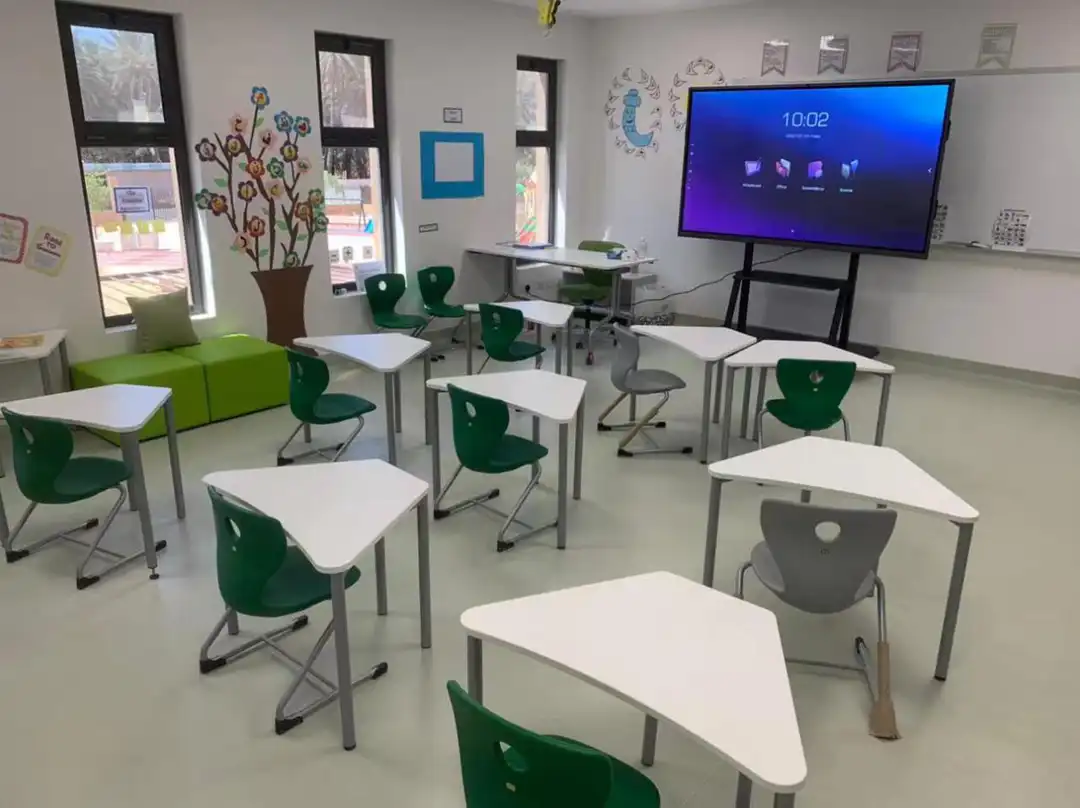
School classroom
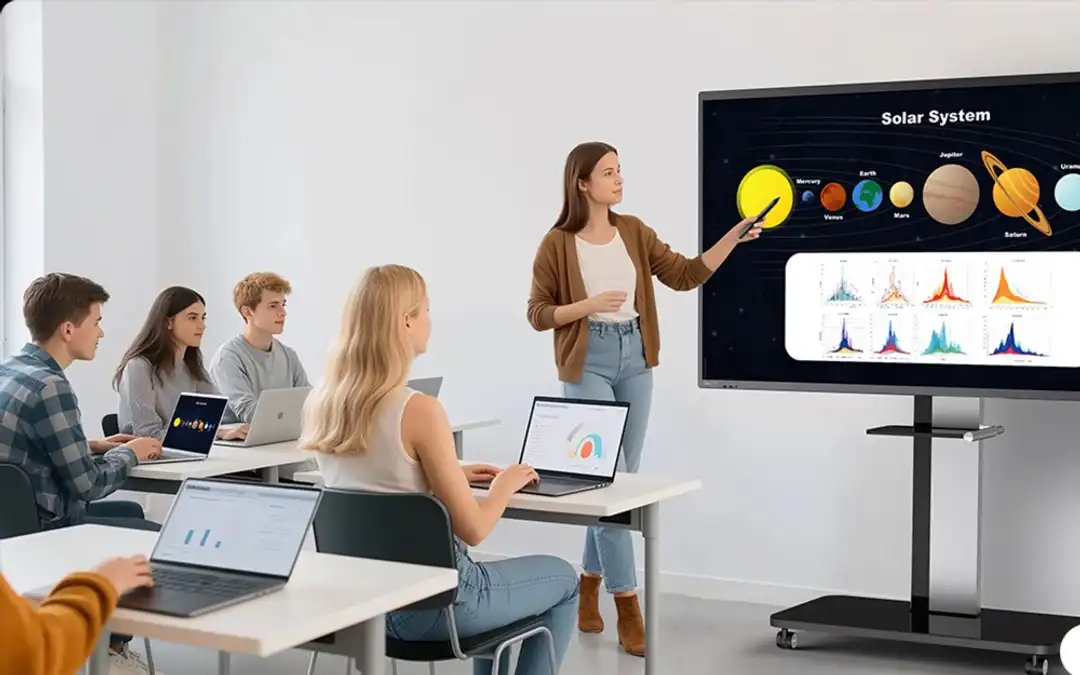
One board — four classes: rolls from room to room on a mobile stand
-
Learning center
Interactive exercises for language and IT courses; save and share the board notes
-
Public-sector organization
Via public procurement: specification, quote, and certificate on request
What happens after you submit a request
Five steps from request to installation
-
Request
Leave your name and phone number — it takes 30 seconds
-
Call
We call you back within 15 minutes during business hours to understand your needs
-
Quote
We send a quote for your size and bundle
-
Free demo
In our showroom, at your site, or online
-
Installation and training
We install on the agreed date and train your staff — free of charge
In-house service center
Warranty and service handled by our own specialists — no intermediaries
Request a free demo and quote
Just your name and phone number — we’ll cover the rest on the call
Or message us: WhatsApp
Frequently asked questions
What exactly is included in the price?
The bundle price covers the interactive display, mobile stand, smart pen, installation, staff training, and a 3-year warranty. Optional accessories (such as the OPS module) are listed separately in the quote, which sets out the final scope and price.
How long does installation take — wall mount or mobile stand — and will it damage the building?
A mobile stand needs no construction work. For wall mounting, we use anchors suited to the wall type, so there’s no damage to the building. Our own specialists handle both options. The exact date and timeline are set in the quote and contract.
What does the 3-year warranty cover, where is the service center, and what happens during repairs?
The 3-year warranty is handled by our in-house service center, with no intermediaries. Coverage, repair times, and what happens while a unit is being repaired are spelled out in the contract. We send the service center address along with the quote.
How does the training work?
After installation, we run a hands-on session for teachers or staff: writing on the board, connecting devices, working with files. Training is free, and the scope and format are tailored to your team.
Where does the free demo take place — showroom, on site, or online? Do you travel to the regions?
In Tashkent, either in our showroom or at your site. In the regions, we offer an online demo or an on-site visit by arrangement. The demo is no-obligation and takes up to an hour.
Can we buy through public procurement or a tender, and which documents do you provide?
Yes — we supply through public procurement and tenders and have the experience to back it up. For your technical brief, we provide a specification, quote, certificate, and other documents on request. Payment terms are set in the contract.
Will our existing laptops and Windows software work?
Yes. The display has an OPS slot for a Windows module, and any laptop connects over HDMI or USB. Wireless connection from a phone or laptop is also supported.
65, 75, or 86″ — which size is right for our room?
For a standard classroom or meeting room (20–30 people), 65″ or 75″ is enough; for a large auditorium, we recommend 86″. The 85″ and 98″ M6A Pro models are for halls and available on request. At the demo, we’ll pick the right size for your room together.
Visit our showroom
- Business hours
- Daily, 09:00–18:00 Open now Closed now